How to use TaskTree
A step-by-step guide to installing TaskTree on monday.com and making the most of every feature.
Get started in minutes
TaskTree runs as a native Board View inside monday.com — no separate account or login needed. Just install and go.
Everything you need to manage complex work
TaskTree gives every task the context it needs — status, owners, priority, and deadlines — all visible in one hierarchical view.
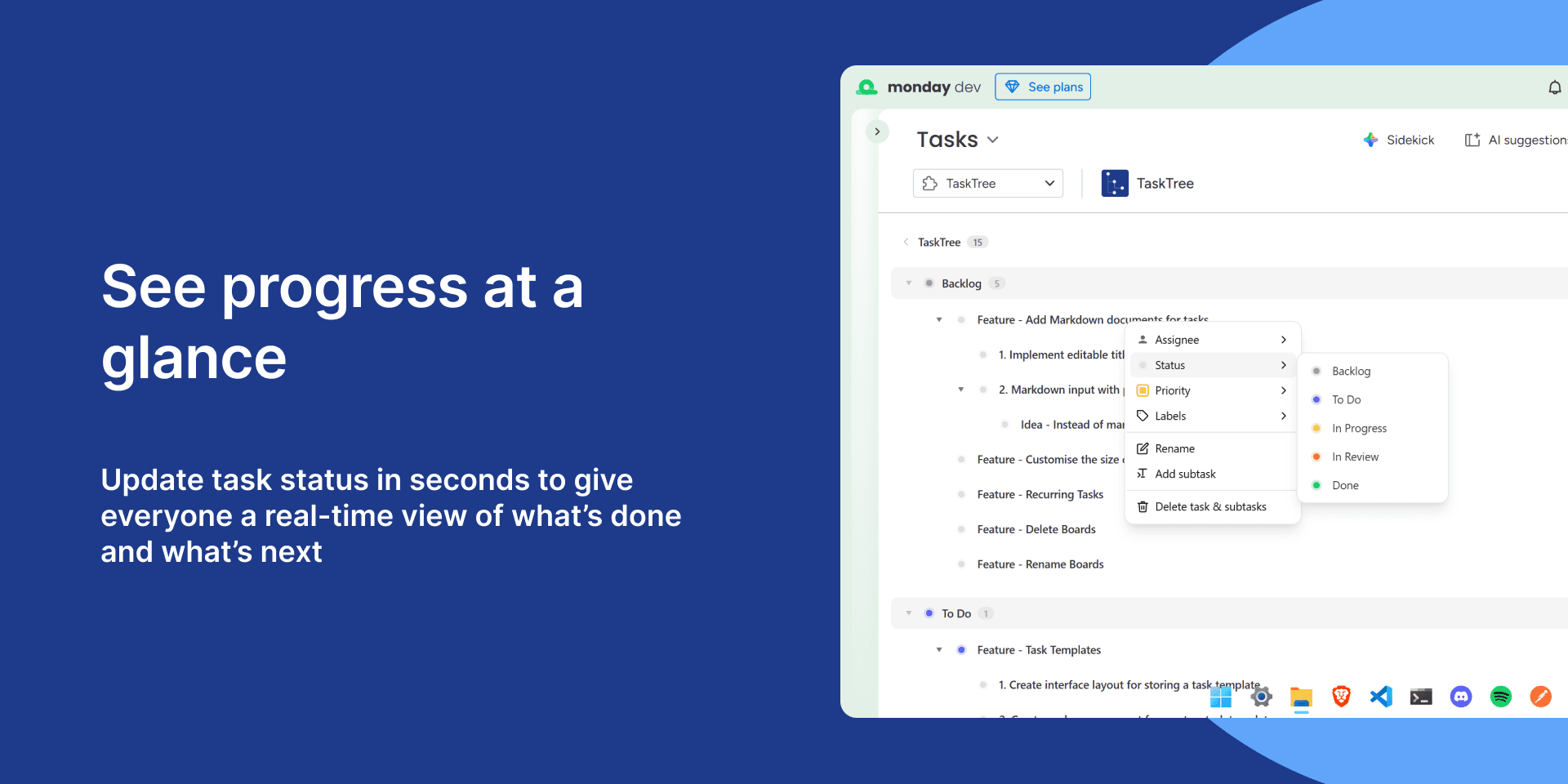
See progress at a glance
Update task status in seconds to give everyone a real-time view of what's done and what's next. Right-click any task to set its status, or use the inline context menu to update it without leaving your tree.
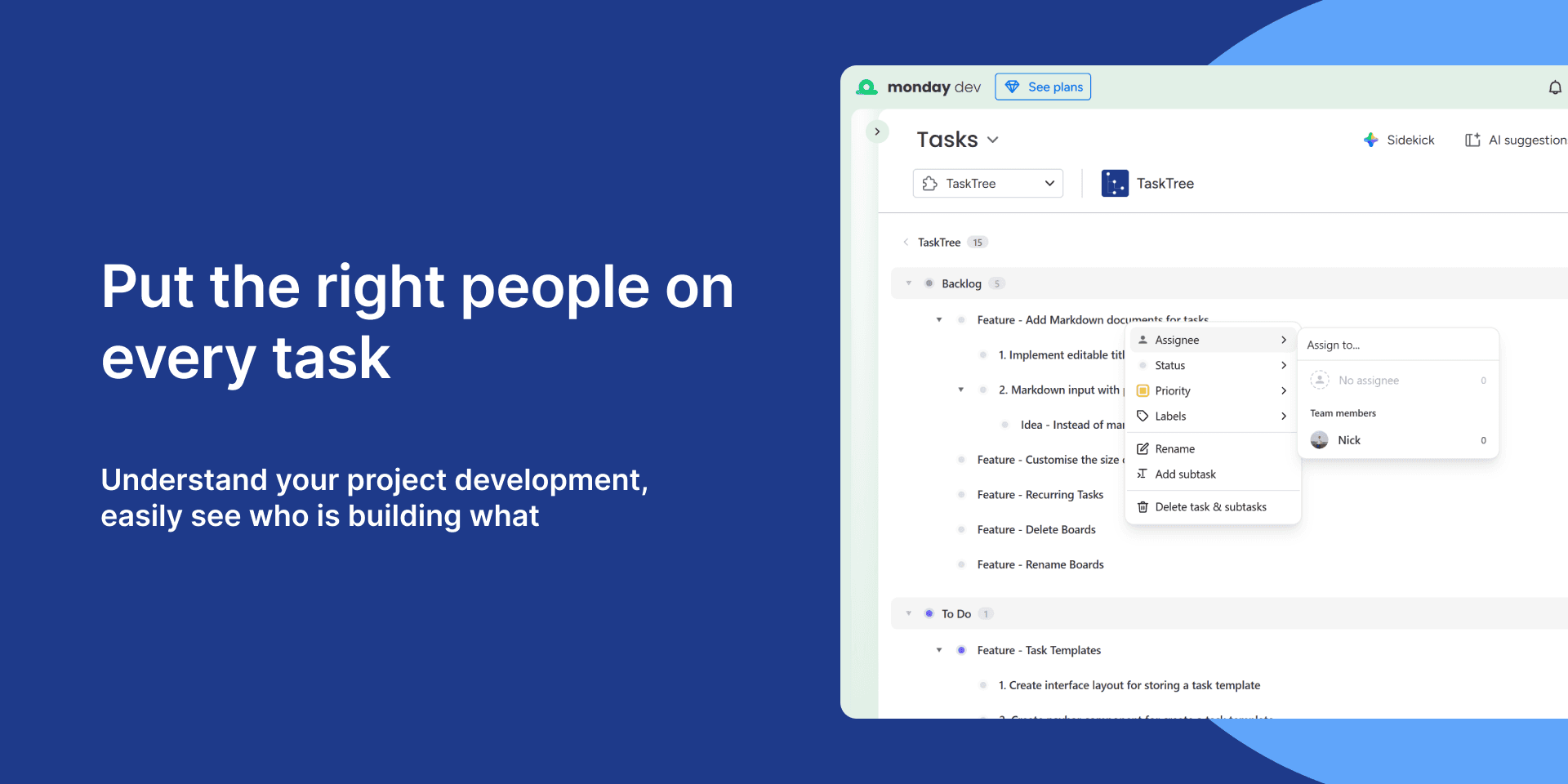
Put the right people on every task
Assign team members directly on any task or subtask so ownership is always clear. Free plans support one assignee per task; Pro and Business plans allow multiple assignees so no one falls through the cracks.
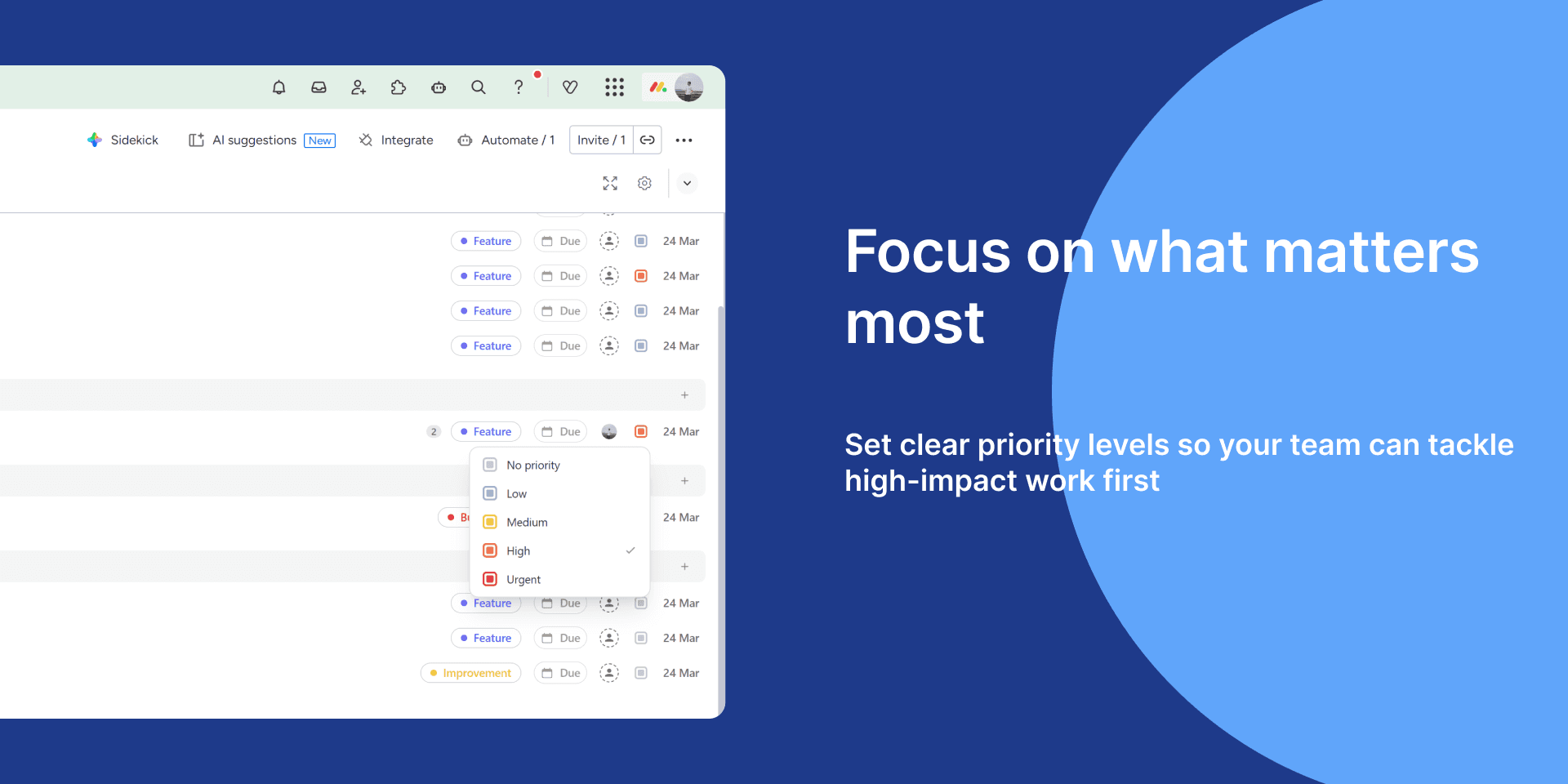
Focus on what matters most
Set clear priority levels — No priority, Low, Medium, High, or Urgent — so your team always knows what to tackle first. Priorities are visible directly in the tree so nothing high-impact gets buried.
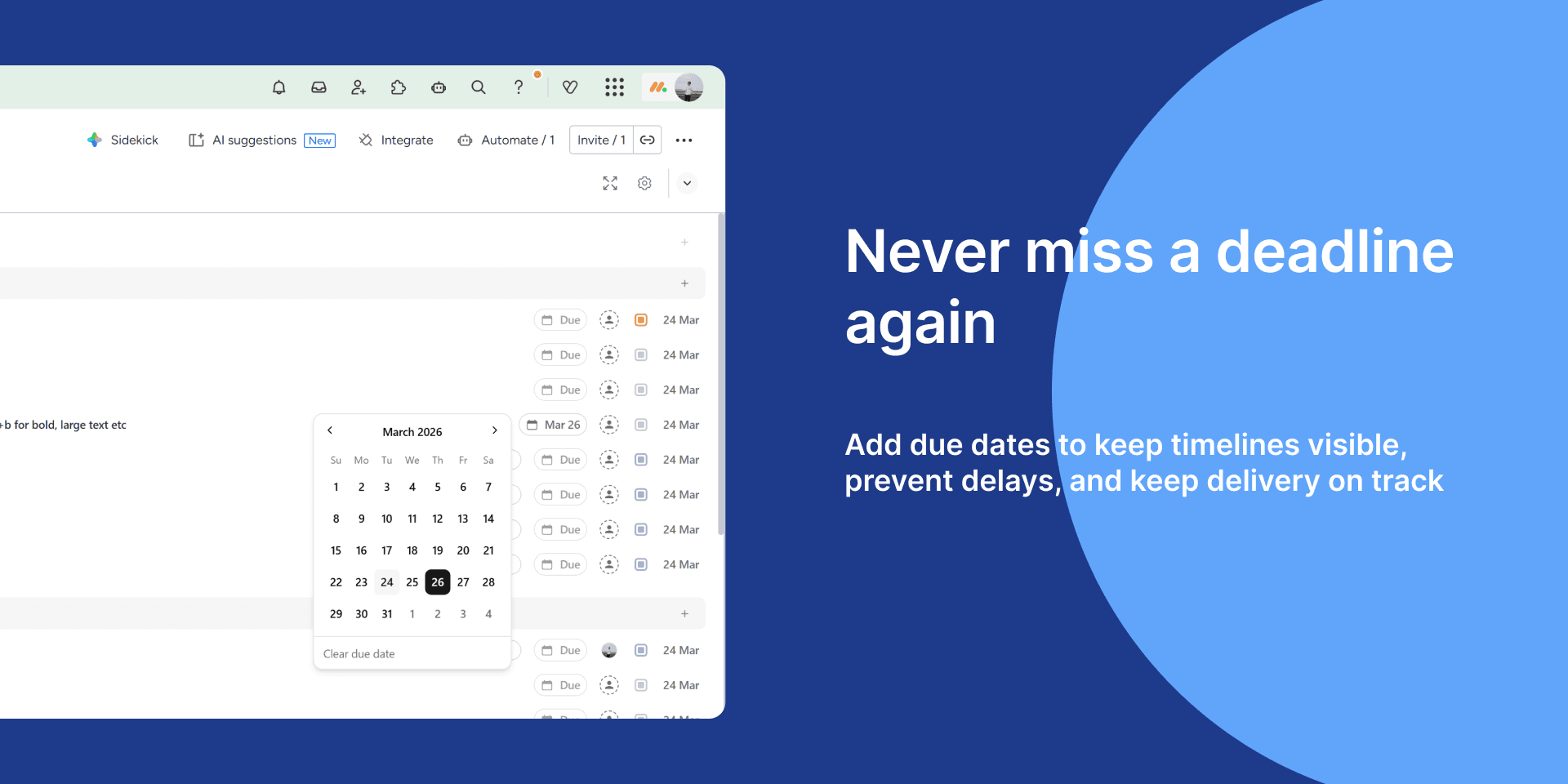
Never miss a deadline again
Add due dates to any task or subtask to keep timelines visible and delivery on track. Dates surface directly in the tree view so your whole team can see what's coming up without opening individual tasks.